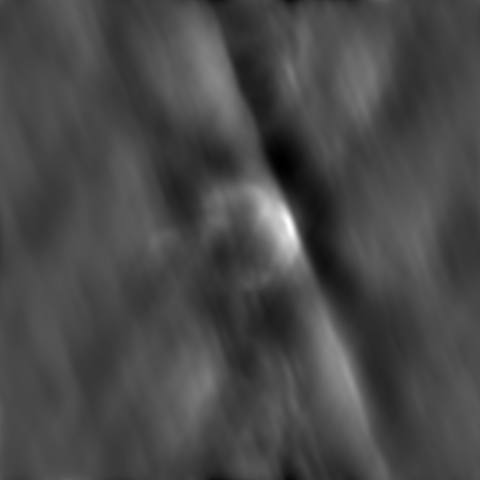
This script produces the dirty image for an observation equivalent to running the clean task with niter=0. However, the clean task performs a range of functions in preparation for cleaning. This code is far more efficient at producing a dirty image as it eliminates all the unnecessary work done by the clean task allowing images to be produced faster.
Use this script to produce an image similar to the one below which shows the dirty image of an observation.
An example image produced by the dirty_image.py script
The script can be downloaded here and contains the following code:
cell='2.5arcsec'imsize=480outim='3c391_ctm_spw0_multiscale_dirty'field='2~8'phasecenter=['J2000','18:49:24.411','-00d55m43.08']# Create the dirty imageim.open(vis)im.defineimage(cellx=cell,celly=cell,nx=imsize,ny=imsize,phasecenter=phasecenter,stokes='I')im.selectvis(field=field)im.makeimage(type='corrected',image=outim+".image")im.close()# Export the results to a fits fileexportfits(imagename=outim+".image",fitsimage=outim+".fits")